
2519 S Shields Street
Suite 1K #665
Fort Collins, Colorado, 80526 US
+1 970-372-2401
support@envistia.com
Free worldwide shipping
Free returns
Carbon neutral
Secure payments
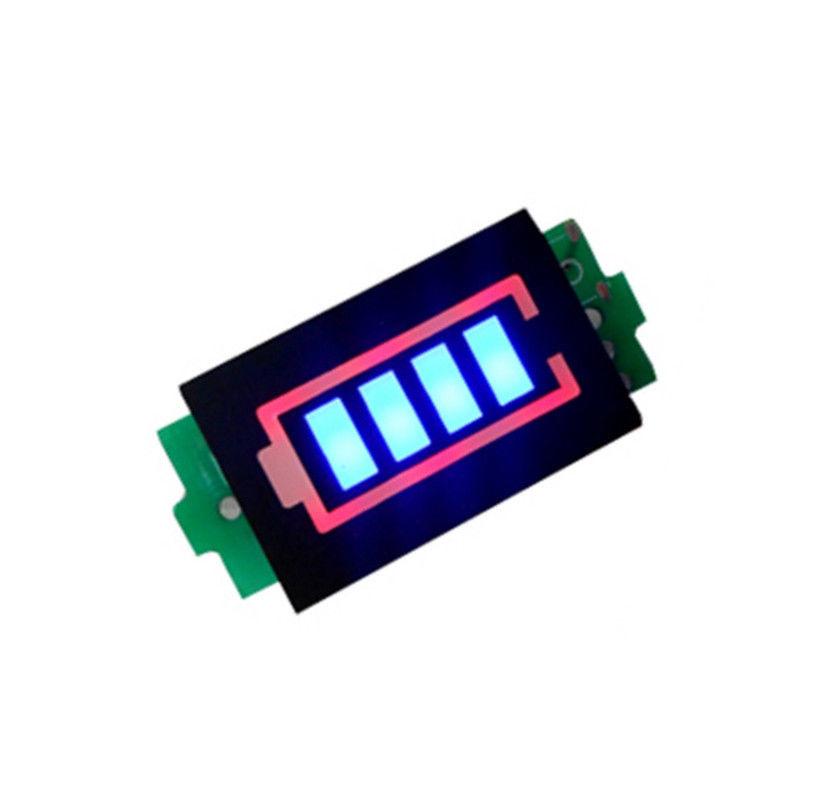
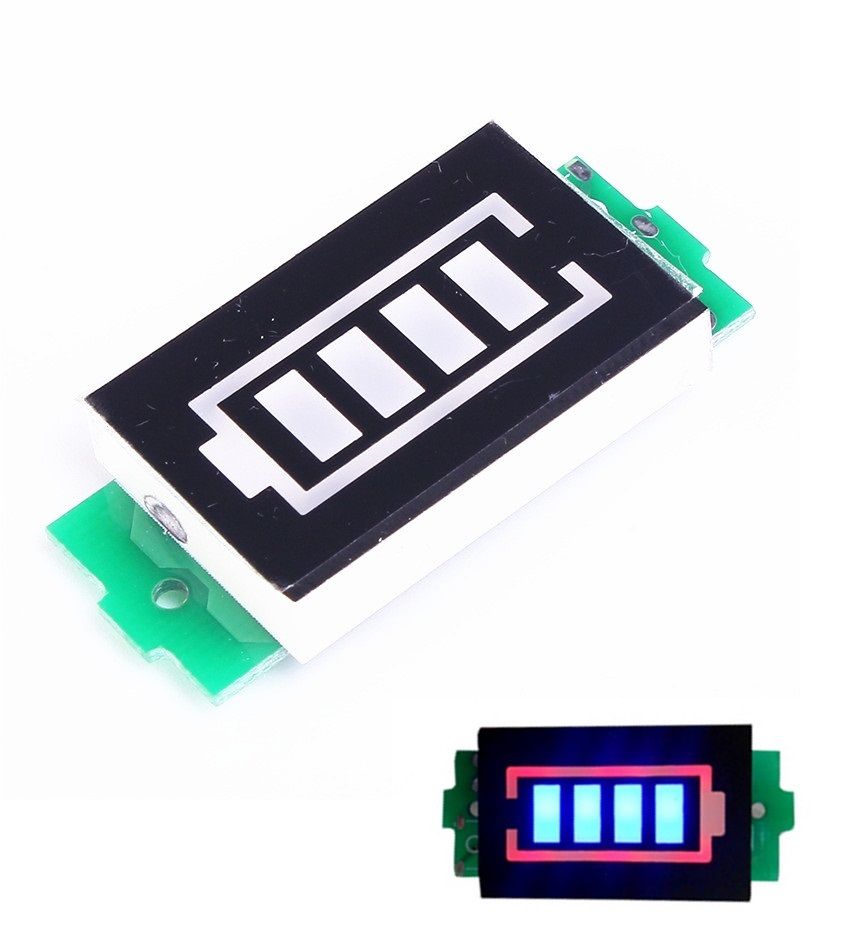
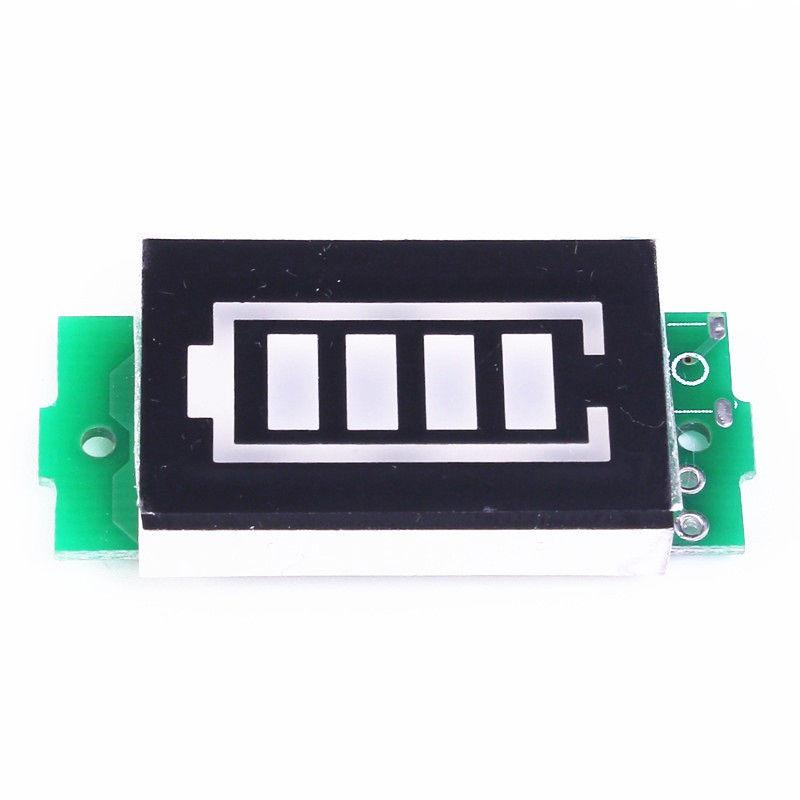
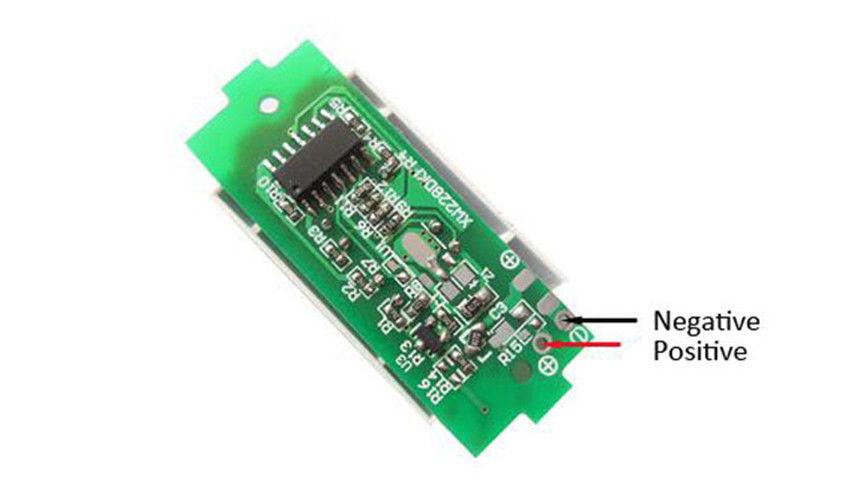
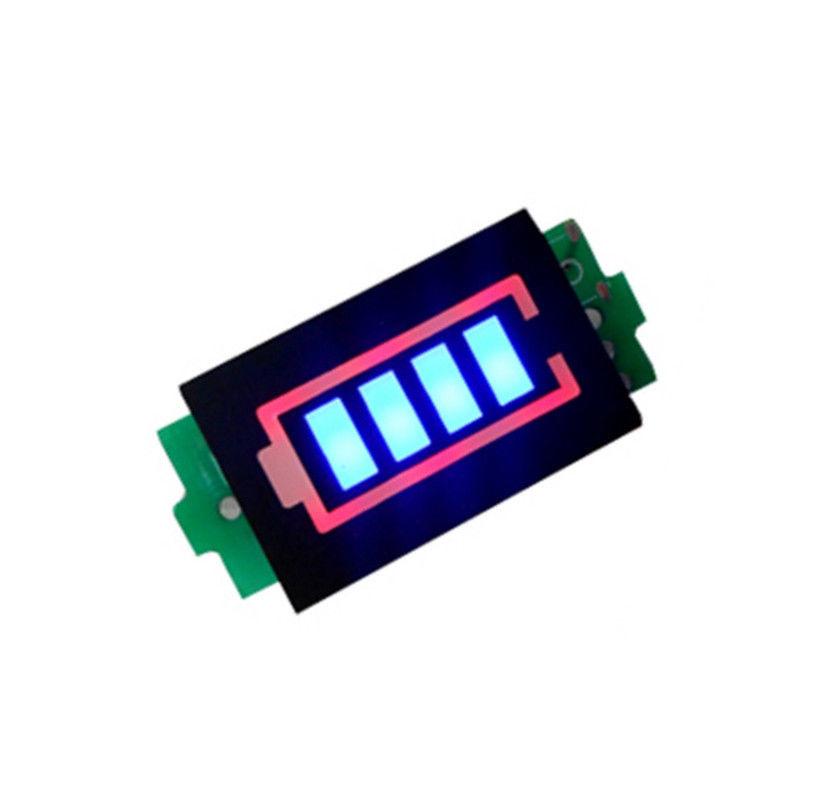
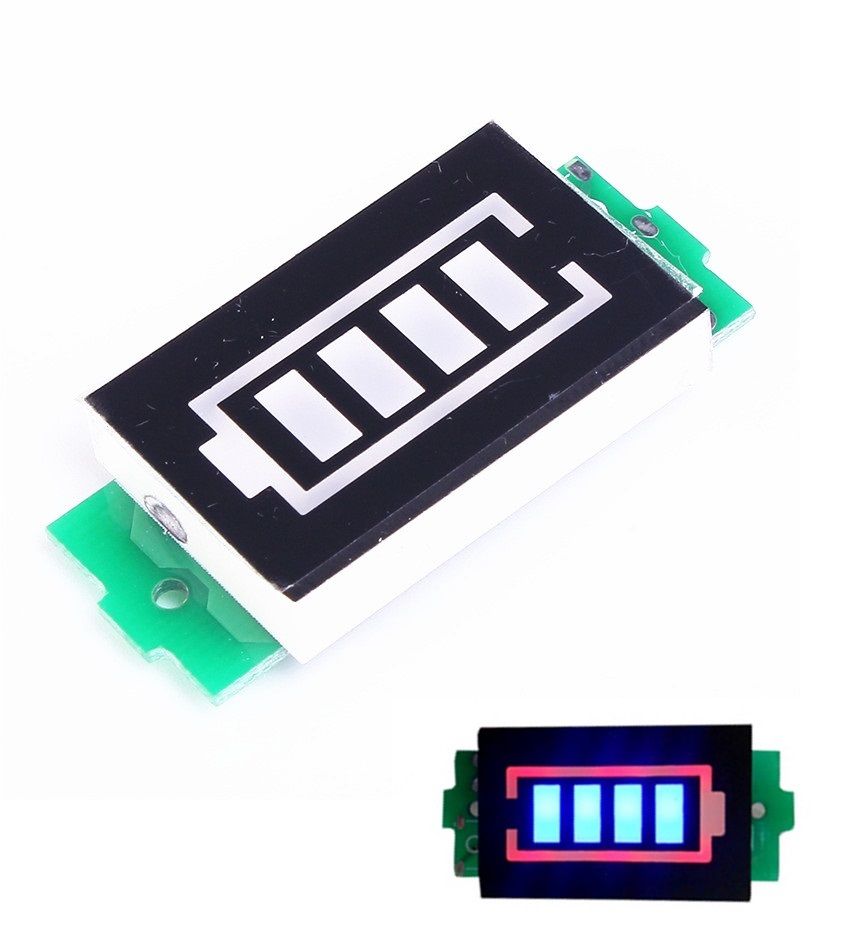
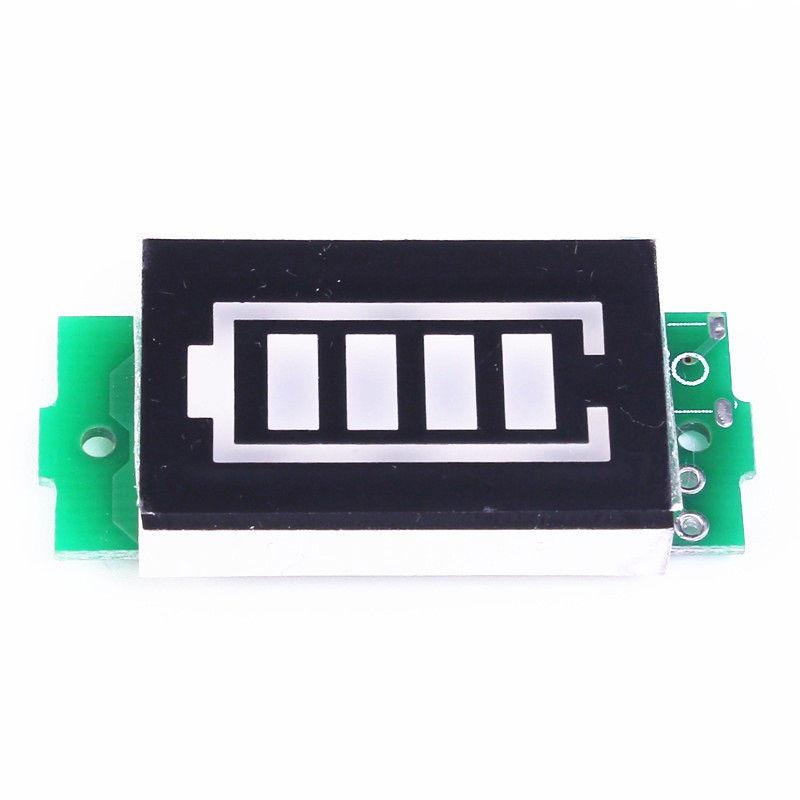
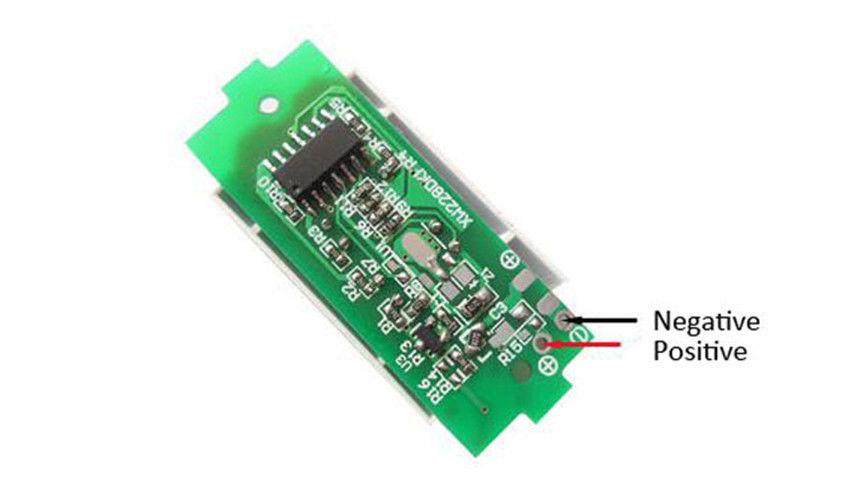
Know the charge level of your lithium battery pack at a glance — no meter probes, no math. This compact battery capacity indicator connects directly to the positive and negative terminals of your 1S, 2S, 3S, or 4S lithium-ion battery pack and instantly displays its charge state as a real-time LED bar graph.
Choose the model that matches your battery configuration: 1S (4.2V), 2S (8.4V), 3S (12.6V), or 4S (16.8V). Each module is pre-calibrated for its specific battery voltage range, with a bold red display outline and bright blue LED bars for easy visibility even in low-light conditions.
Whether you're building a DIY power bank, monitoring an e-bike battery, or checking charge on an RC vehicle pack, this indicator gives you an instant visual snapshot with no setup required — just connect and go.
| Parameter | Value |
|---|---|
| Compatible Battery Types | 1S, 2S, 3S, 4S Lithium-Ion / LiPo |
| Max Cell Voltage | 4.2V per cell |
| 1S Display Range | 3.3V – 4.2V |
| 2S Display Range | 6.6V – 8.4V |
| 3S Display Range | 11.1V – 12.6V |
| 4S Display Range | 13.2V – 16.8V |
| Display Type | 4-segment LED bar graph |
| Display Bar Color | Blue |
| Display Outline Color | Red |
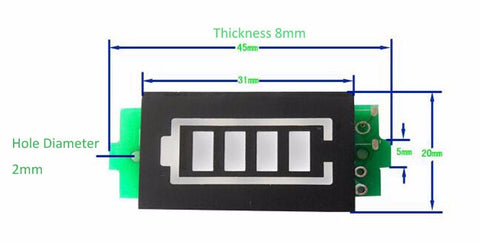
| Display Dimensions | 31 × 20 mm (1.22 × 0.79 inches) |
| Overall Dimensions | Approx. 45 × 20 × 8 mm (1.77 × 0.79 × 0.31 inches) L × W × H |
| Weight | 6 grams |
| Connection | 2-wire (positive and negative) |
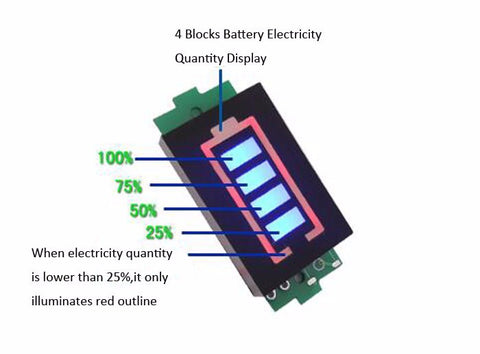
The LED bar graph uses four segments to indicate charge level. The voltage thresholds below apply per cell — multiply by the number of cells in your pack (N = number of cells: 1, 2, 3, or 4):
| Bars Lit | Voltage Threshold (per cell) | Charge Status |
|---|---|---|
| 4 bars | ≥ N × 3.9V | Fully charged |
| 3 bars | ≥ N × 3.7V | Good charge |
| 2 bars | ≥ N × 3.5V | Moderate charge |
| 1 bar | ≥ N × 3.3V | Low — recharge soon |
| 0 bars | < N × 3.3V | Critically low — recharge immediately |
Connecting the module is straightforward — just two wires:
Important: Make sure you order the correct variant for your battery pack. Connecting a 1S module to a 4S battery pack (or any other mismatch) will result in inaccurate readings and may damage the module. Check the maximum voltage of your pack before purchasing.
Tip: The module draws a small amount of current continuously while connected. If storing your battery pack for an extended period, disconnect the indicator to prevent slow discharge over time.
Note: This module displays approximate charge level based on voltage thresholds — it is not a precision coulomb counter. For critical applications requiring exact state-of-charge measurement, use a dedicated battery management system (BMS).
Sold and supported by . Ships from the USA. For wiring diagrams, sample code, and troubleshooting, see the User Guide tab on this product page. The manufacturer and Envistia LLC (dba Envistia Mall) are not responsible for any damages or losses resulting from the use of this product. Always follow proper electrical safety practices when working with electronic components. Specifications are based on manufacturer data and are subject to change without notice.

loading