📋 Overview
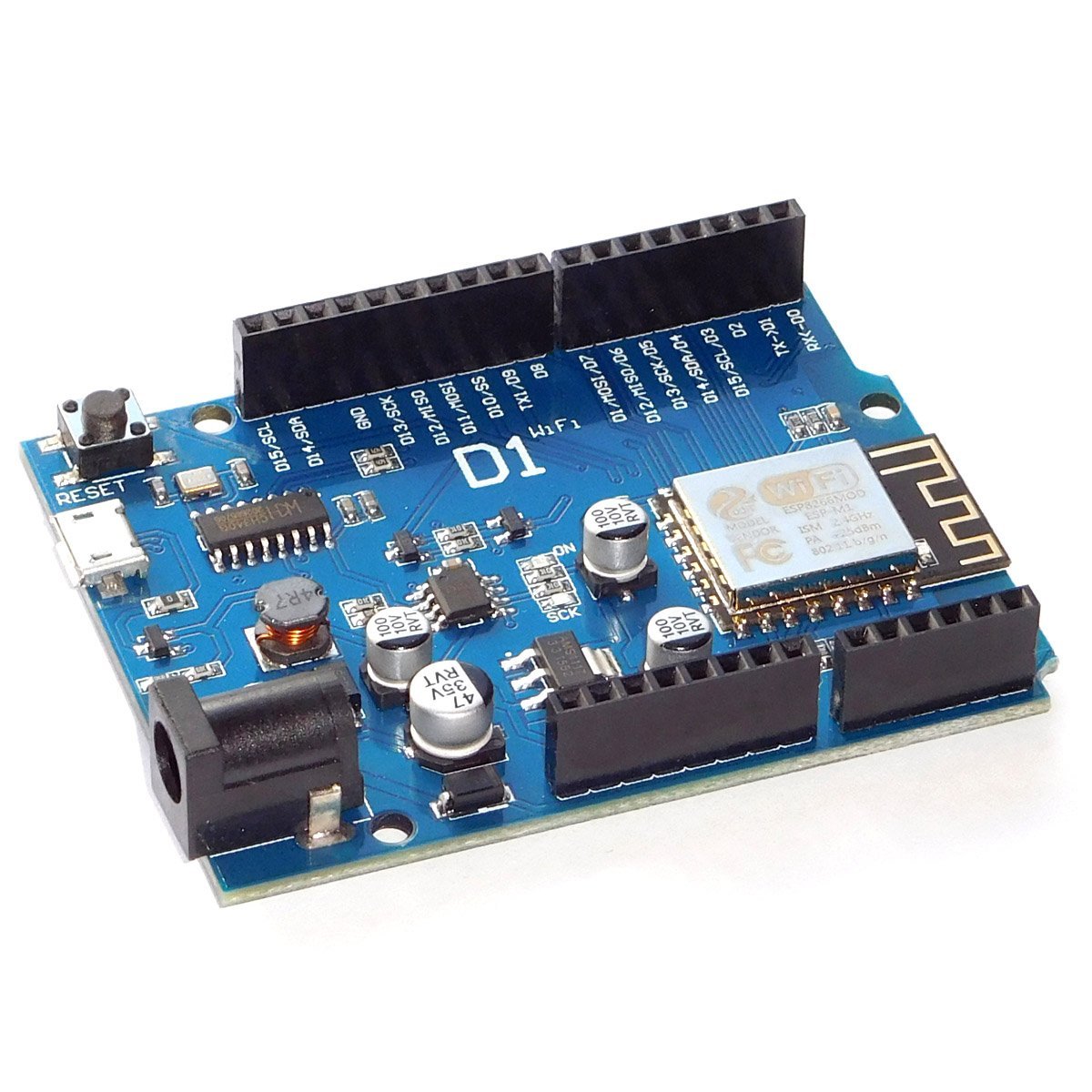
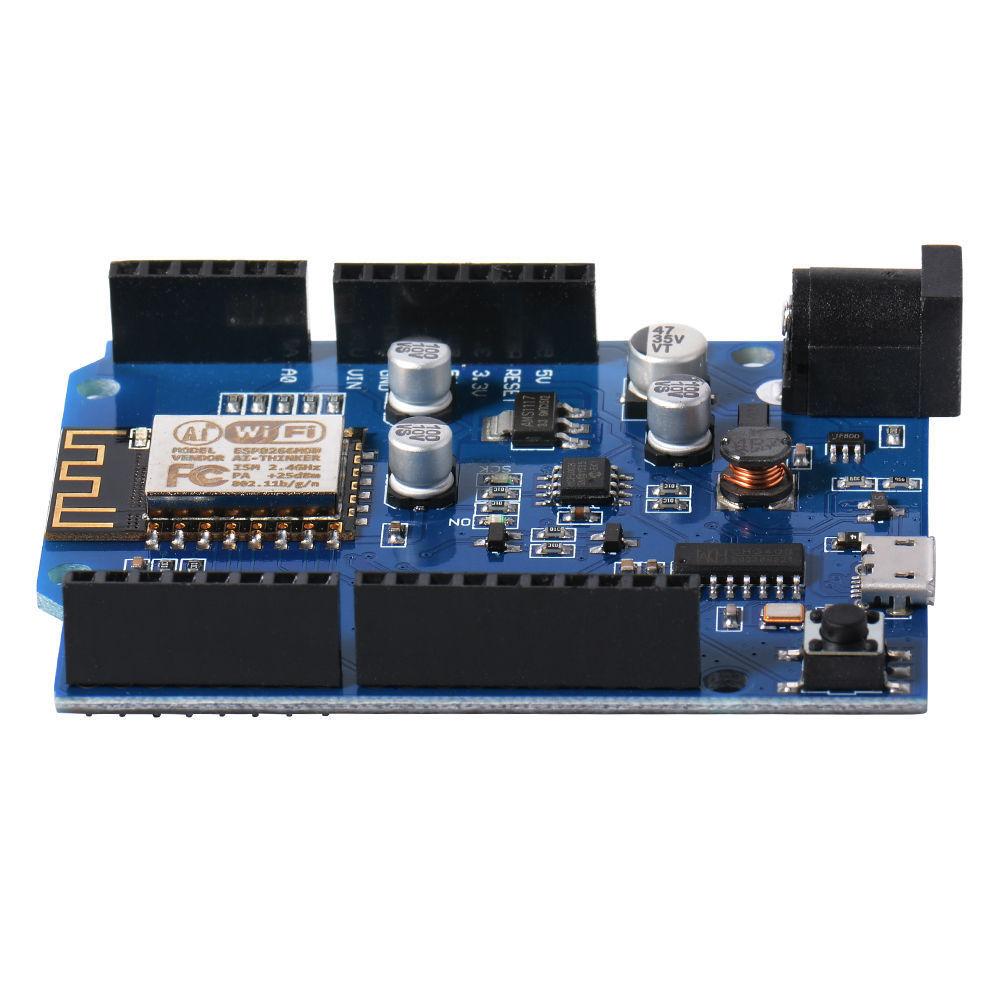
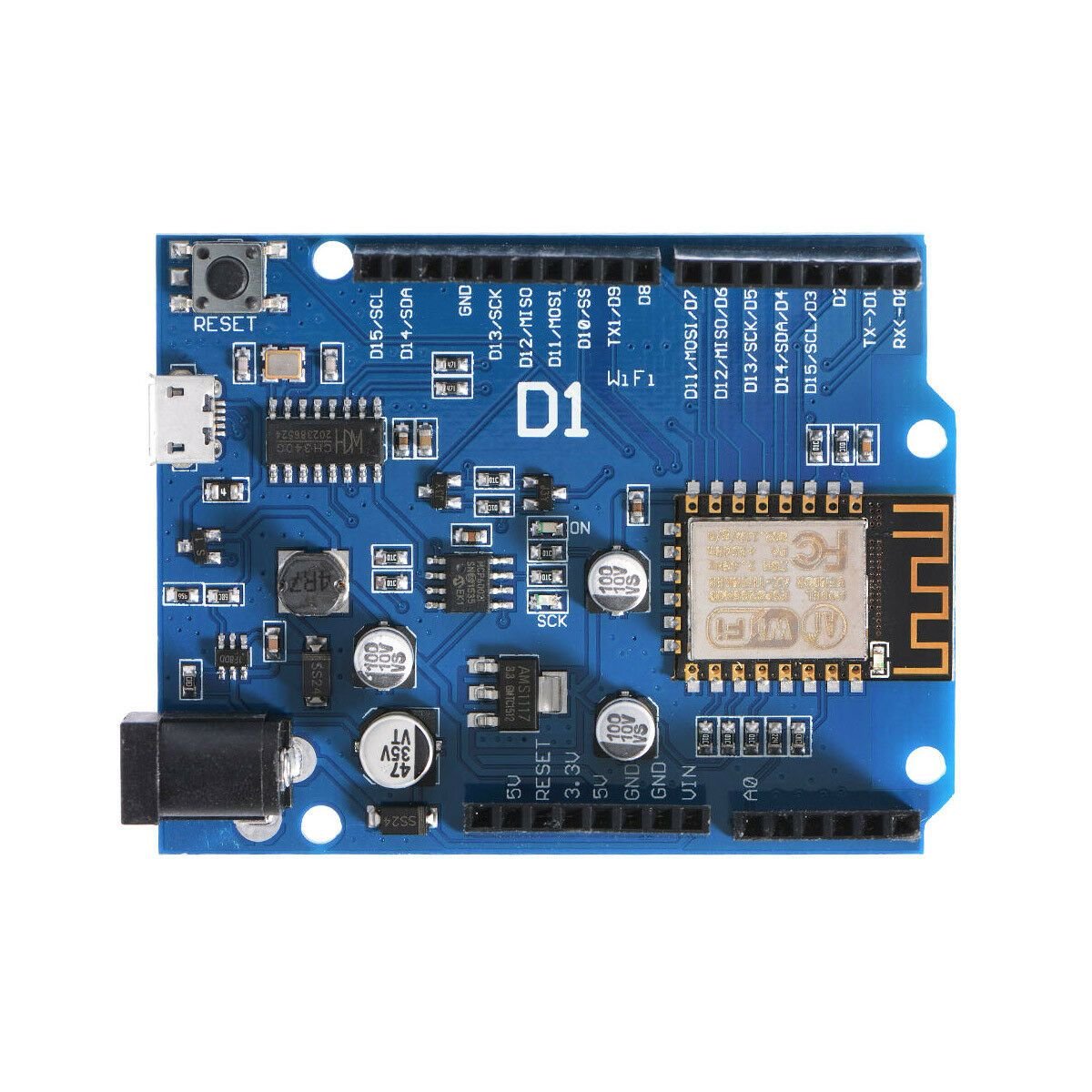
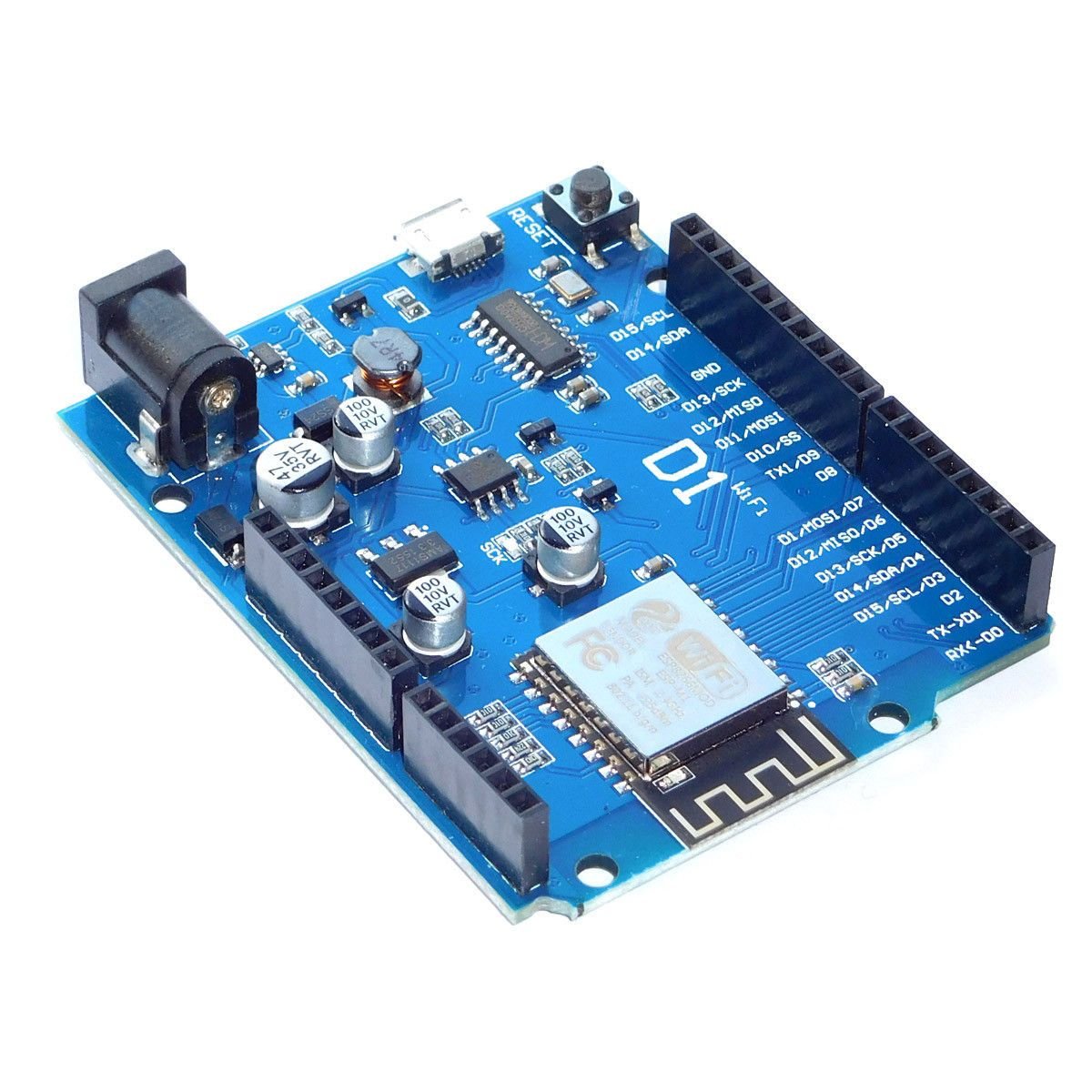
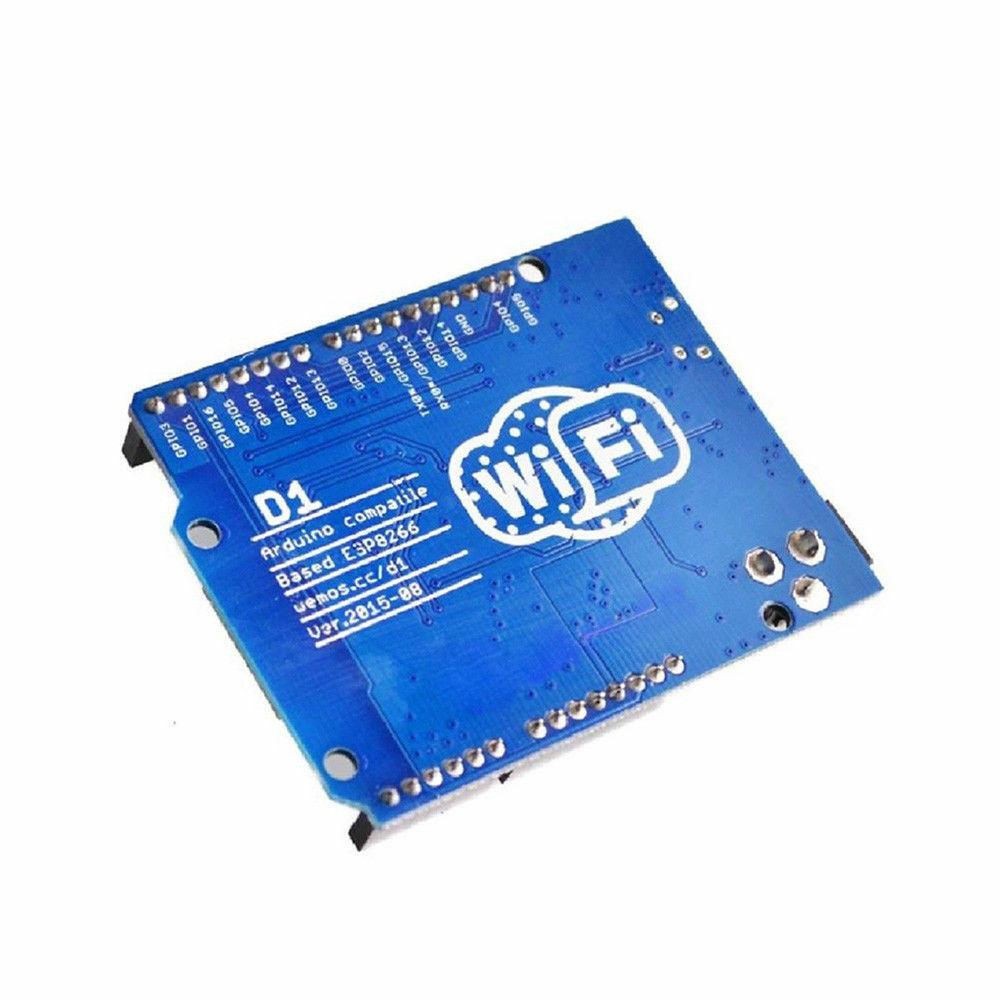
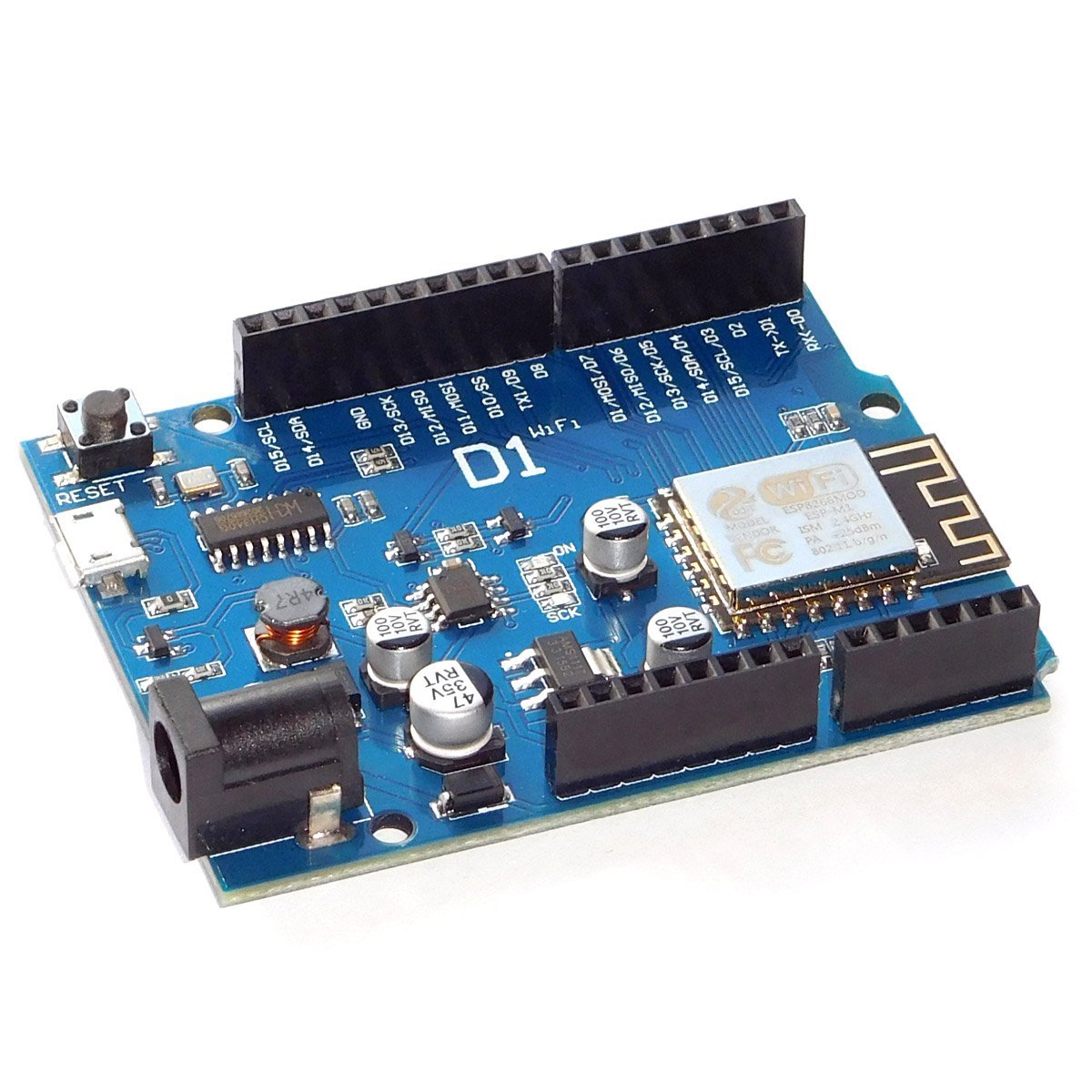
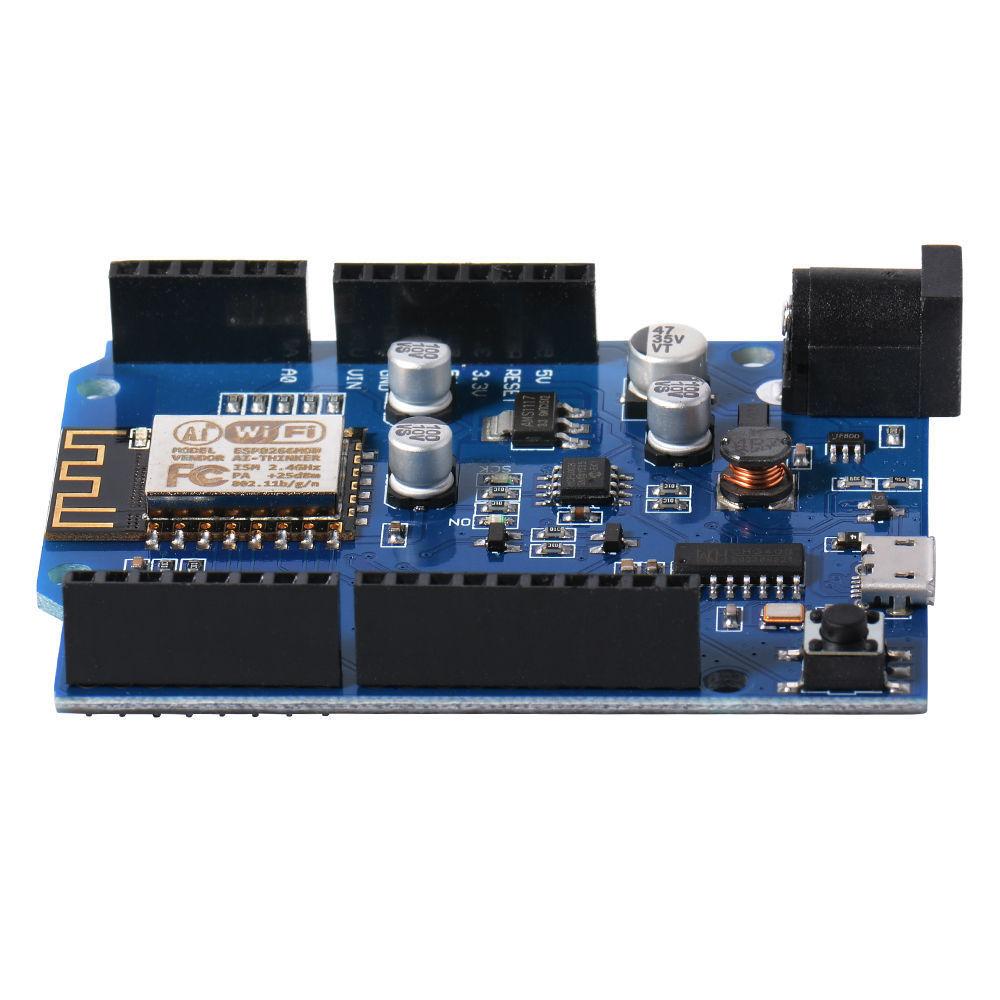
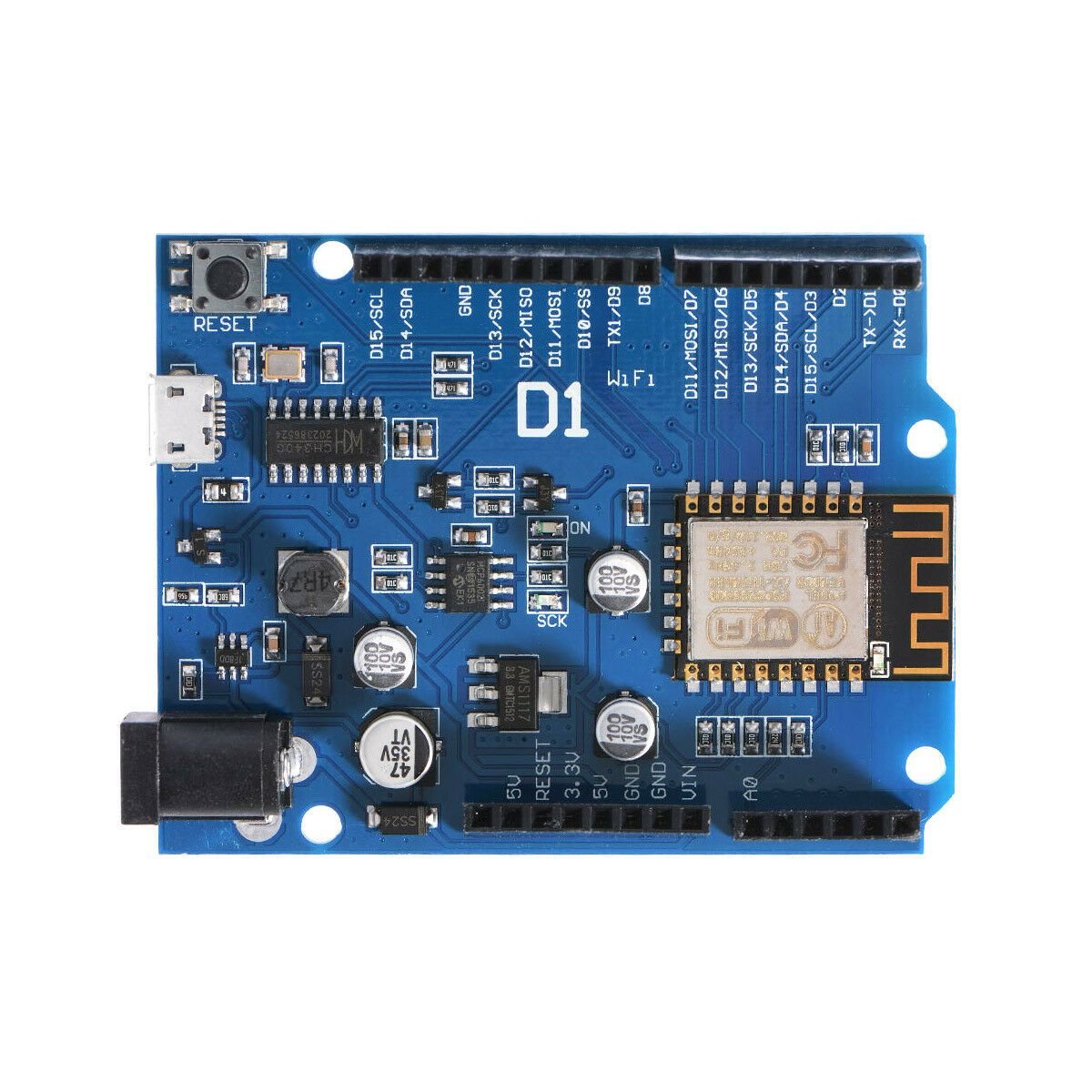
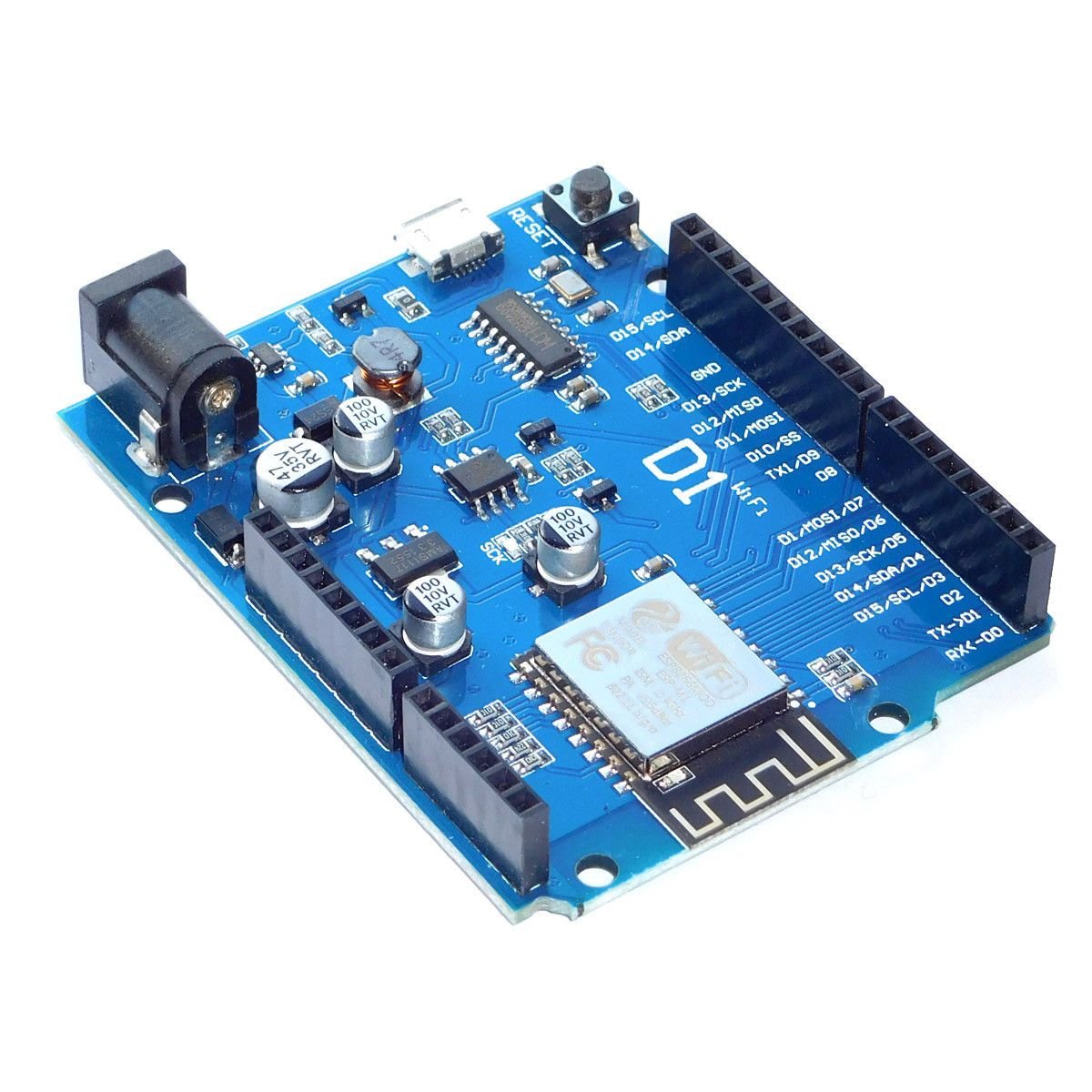
The WeMos D1 R2 is a WiFi-enabled development board based on the ESP8266 ESP-12F module, designed in the familiar Arduino UNO R3 form factor. If you've used an Arduino UNO before, you'll feel right at home — the board layout, pin headers, and USB programming workflow are very similar. The big difference is built-in WiFi, making this board ideal for IoT projects, home automation, web servers, and any application where you need wireless connectivity.
The board uses the CH340 USB-to-serial chip for programming and serial communication, and is fully compatible with the Arduino IDE once you install the ESP8266 board package. It features 11 digital GPIO pins, 1 analog input, an on-board 5V switching power supply, and a 3.3V LDO regulator that powers the ESP8266 module.
⚠️ Important: This is a 3.3V logic level board. All GPIO pins operate at 3.3V. Applying 5V to any GPIO pin can permanently damage the ESP8266 chip. If you're connecting 5V sensors or modules, you must use a level shifter. The analog input (A0) has a maximum input voltage of 3.2V.
⭐ Key Features
- Built-In WiFi: ESP8266 ESP-12F module with 802.11 b/g/n WiFi (2.4 GHz)
- Arduino UNO R3 Form Factor: Same board layout and header spacing — compatible with many UNO shields (with voltage considerations)
- Arduino IDE Compatible: Program using the familiar Arduino IDE with the ESP8266 board package
- 11 Digital GPIO Pins: All support interrupt, PWM, I²C, and one-wire (except D0)
- 1 Analog Input: 10-bit ADC on pin A0 (3.2V max input)
- CH340 USB-to-Serial: Reliable USB programming and serial communication via Micro USB
- Flexible Power Options: Power via Micro USB (5V), DC barrel jack (9–24V), or 5V pin
- On-Board Voltage Regulation: 5V switching power supply (1A) plus 3.3V LDO
- 80 MHz Processor: ESP8266 running at 80 MHz with 4MB flash memory
📊 Specifications
| Parameter | Value |
|---|
| Microcontroller | ESP8266 (Tensilica L106 32-bit) |
| WiFi Module | ESP-12F (802.11 b/g/n, 2.4 GHz) |
| Clock Speed | 80 MHz (configurable to 160 MHz) |
| Flash Memory | 4 MB |
| SRAM | 64 KB instruction / 96 KB data |
| Digital I/O Pins | 11 (GPIO with interrupt/PWM/I²C/one-wire, except D0) |
| Analog Input Pins | 1 (A0, 10-bit ADC, 3.2V max) |
| Operating Voltage (Logic) | 3.3V |
| USB Power Input | 5V via Micro USB |
| DC Jack Power Input | 9V – 24V DC |
| On-Board Regulator | 5V switching (1A) + 3.3V LDO |
| USB-to-Serial Chip | CH340 |
| Upload Speed | 115200 baud (default) |
| Board Dimensions | Approx. 69 × 54 mm (2.7 x 2.1 inches) L × W |
📌 Pinout
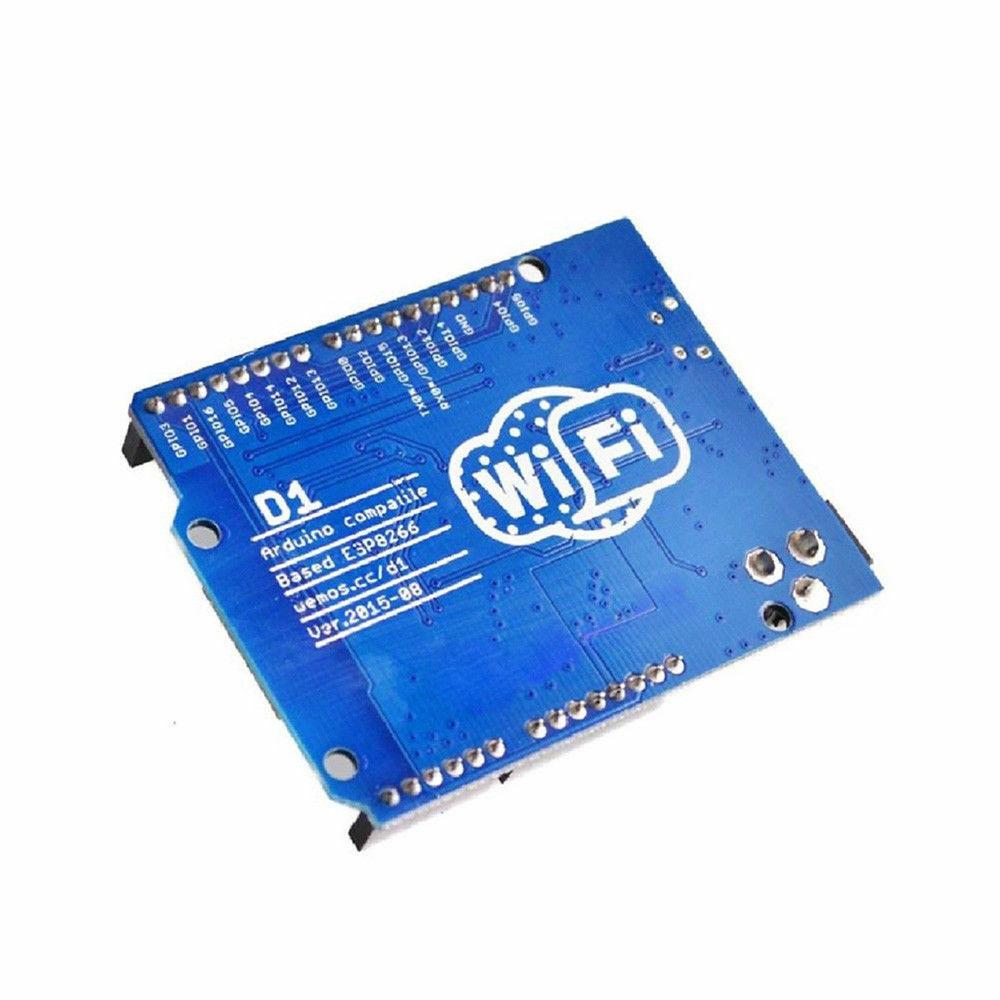
The WeMos D1 R2 uses Arduino-style pin labels (D0–D8, A0) printed on the board, but these map to different ESP8266 GPIO numbers internally. This is important when using libraries or code that references GPIO numbers directly.
| Board Pin | ESP8266 GPIO | Function | Notes |
|---|
| D0 | GPIO16 | Digital I/O | No interrupt/PWM/I²C. Used for deep sleep wake. |
| D1 | GPIO5 | Digital I/O, SCL | Default I²C clock. Safe for general use. |
| D2 | GPIO4 | Digital I/O, SDA | Default I²C data. Safe for general use. |
| D3 | GPIO0 | Digital I/O | Pulled HIGH at boot. LOW = flash mode. |
| D4 | GPIO2 | Digital I/O, Built-in LED | Pulled HIGH at boot. On-board LED (active LOW). |
| D5 | GPIO14 | Digital I/O, SCLK | SPI clock. Safe for general use. |
| D6 | GPIO12 | Digital I/O, MISO | SPI MISO. Safe for general use. |
| D7 | GPIO13 | Digital I/O, MOSI | SPI MOSI. Safe for general use. |
| D8 | GPIO15 | Digital I/O, CS | Pulled LOW at boot. Must be LOW during boot. |
| TX | GPIO1 | UART TX | Serial transmit. Used during upload. |
| RX | GPIO3 | UART RX | Serial receive. Used during upload. |
| A0 | ADC0 | Analog Input | 10-bit ADC. Max input: 3.2V. |
💡 Tip — Safest Pins: D1 (GPIO5), D2 (GPIO4), D5 (GPIO14), D6 (GPIO12), and D7 (GPIO13) are the safest pins for general-purpose I/O. They have no boot-mode restrictions and won't interfere with startup or programming.
📦 What's in the Box
- 1× WeMos D1 R2 ESP8266 WiFi Development Board
USB cable is not included. A Micro USB data cable is required for programming and power (charge-only cables will not work).
🔌 Compatible With
- Arduino IDE (with ESP8266 board package installed)
- NodeMCU / Lua firmware
- MicroPython
- PlatformIO
- Many Arduino UNO shields (check 3.3V compatibility first)
- Standard solderless breadboards (via header pins)
🎯 Typical Applications
- IoT devices and smart home automation
- WiFi-connected web servers and dashboards
- Wireless sensor nodes (temperature, humidity, motion, etc.)
- MQTT clients for home automation platforms (Home Assistant, Node-RED)
- Remote data logging and monitoring
- WiFi-controlled relays, LEDs, and actuators
- Weather stations and environmental monitors
- Prototyping and learning WiFi-enabled embedded systems
🚀 Getting Started
- Install the CH340 USB driver if your computer doesn't recognize the board when plugged in (Windows 10/11, macOS, and Linux usually include it automatically)
- Open the Arduino IDE and go to File > Preferences. Add this URL to the Additional Board Manager URLs field:
http://arduino.esp8266.com/stable/package_esp8266com_index.json - Go to Tools > Board > Boards Manager, search for esp8266, and install the package
- Select Tools > Board > "LOLIN (WEMOS) D1 R2 & mini"
- Connect the board via Micro USB, select the correct COM port, and upload the Blink example to verify everything works
💡 Tip: See our complete User Guide (link below) for detailed CH340 driver installation, full Arduino IDE configuration, WiFi web server example code, GPIO pin restrictions, and troubleshooting tips.
⚠️ Important Notes
- 3.3V Logic Level: All GPIO pins are 3.3V. Applying 5V to any pin will permanently damage the ESP8266 chip. Use a level shifter for 5V devices.
- Analog Input Limit: The maximum input voltage on A0 is 3.2V. Exceeding this can damage the ADC.
- DC Jack Voltage: The DC barrel jack accepts 9V–24V. Do not exceed 24V.
- Boot Pin Restrictions: D3 (GPIO0), D4 (GPIO2), and D8 (GPIO15) have specific state requirements during boot. Connecting peripherals that pull these pins to the wrong state will prevent the board from starting.
- WiFi is 2.4 GHz Only: The ESP8266 does not support 5 GHz WiFi networks.
- Not 100% Arduino UNO Compatible: Despite the UNO form factor, pin mapping, voltage levels, and peripherals differ from a genuine Arduino UNO. Code and shields designed for the UNO may need modifications.
- Use a Data USB Cable: Many Micro USB cables are charge-only. If the board isn't recognized, try a different cable with data lines.
📄 Documentation & Resources
This product is compatible with Arduino Uno but is not manufactured by or affiliated with Arduino. "Arduino" and "Uno" are trademarks of Arduino SA. Sold and supported by . Ships from the USA. For wiring diagrams and troubleshooting, see the User Guide link above. The manufacturer and Envistia LLC (dba Envistia Mall) are not responsible for any damages or losses resulting from the use of this product. Always follow proper electrical safety practices when working with electronic components. Specifications are based on manufacturer data and are subject to change without notice.